Couldn’t get your hands on that Alan Wadkins item you wanted over Black Friday? Never fear, Cyber Monday is here! Cyber Monday, the Monday after Black Friday, is a 24-hour shopping event created solely for online shopping. Shop some of the biggest Alan Wadkins discount codes, deals, offers, sales, and promotions all from the comfort of your home.
We like to save you money wherever we can here at Love Discount Vouchers. So, we’ve done all the hard work for you and we’ve rounded up all the latest Alan Wadkins Cyber Monday money-saving deals, discount codes, vouchers, and promotional codes for you to choose from.
Happy shopping!


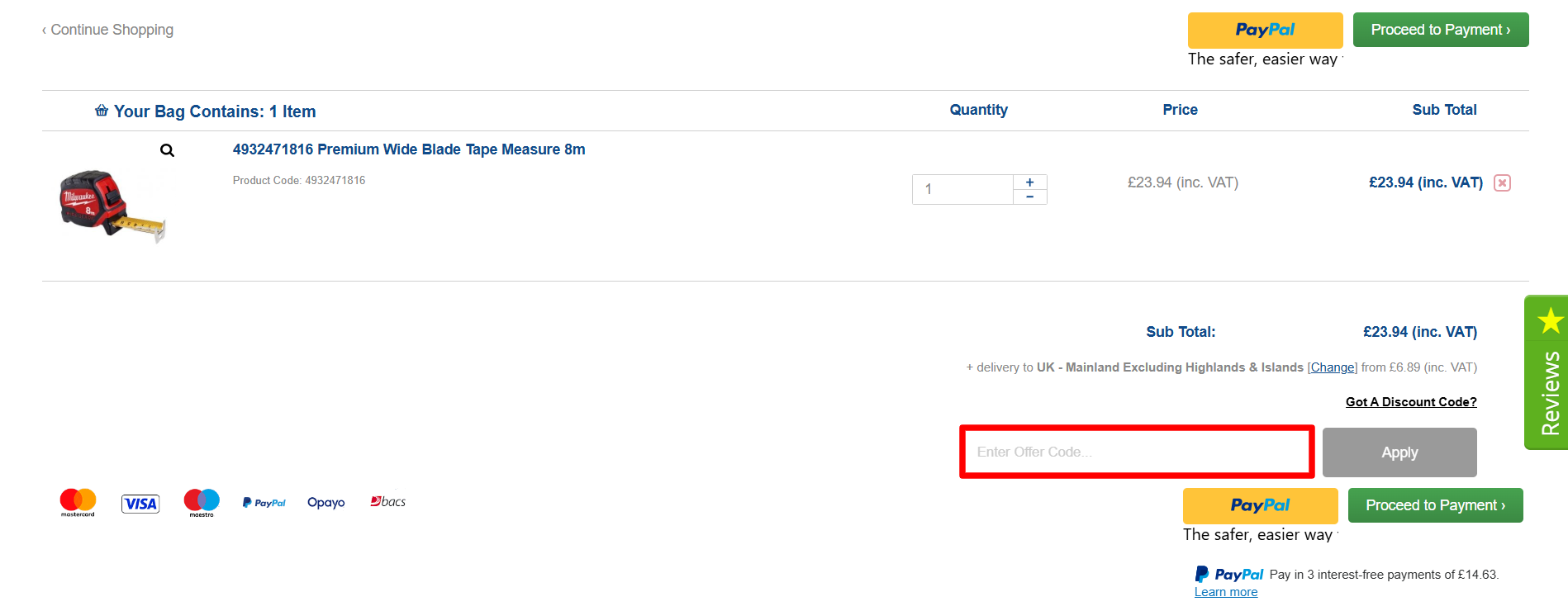
 Earn while you shop with Alan Wadkins’s rewards program! With their Loyalty Scheme, you can get 1 point back for every £1 you spend, which you can later convert into e-wallet credit that can be used on future purchases. Did we mention that it's entirely free to sign up?
 Need a few new tools for your latest DIY project that's already taking a toll on your budget? Shop Alan Wadkins’ Sale section and get as much as £50 off your latest tool fixation! From Milwaukee drills to Festool sanders, you can get the right tool for the job at a fraction of the price.