1
Step 1: Snag a voucher code
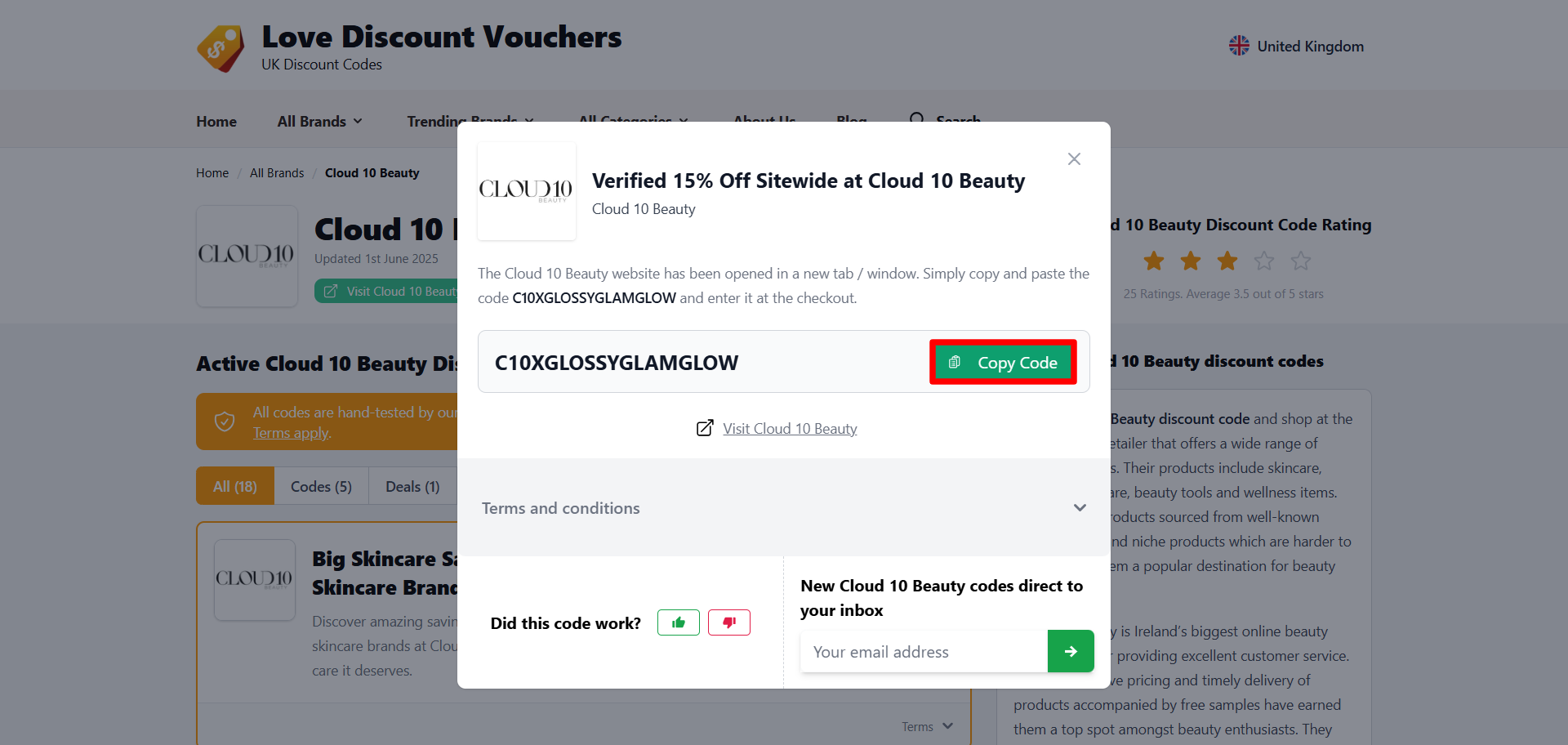
Browse through our selection of Cloud 10 Beauty voucher codes and pick one that suits your needs by selecting the “Get Code” button. A pop-up will then appear on-screen with a code you can copy using the “Copy Code” button before switching tabs to the Cloud 10 Beauty website.
2
Step 2: Navigate the Cloud 10 Beauty website
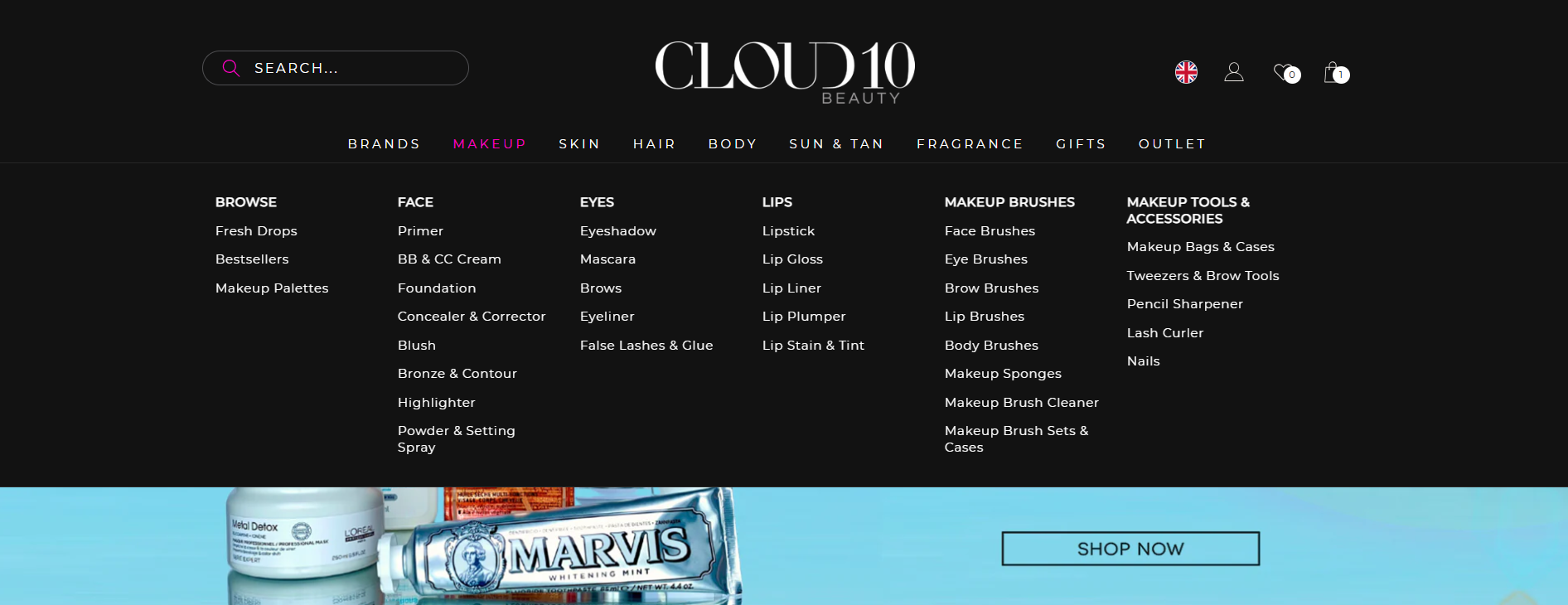
On the Cloud 10 Beauty landing page, hover your cursor over any of the tabs in the navigation bar and select a product category to explore.
3
Step 3: Build your beauty haul
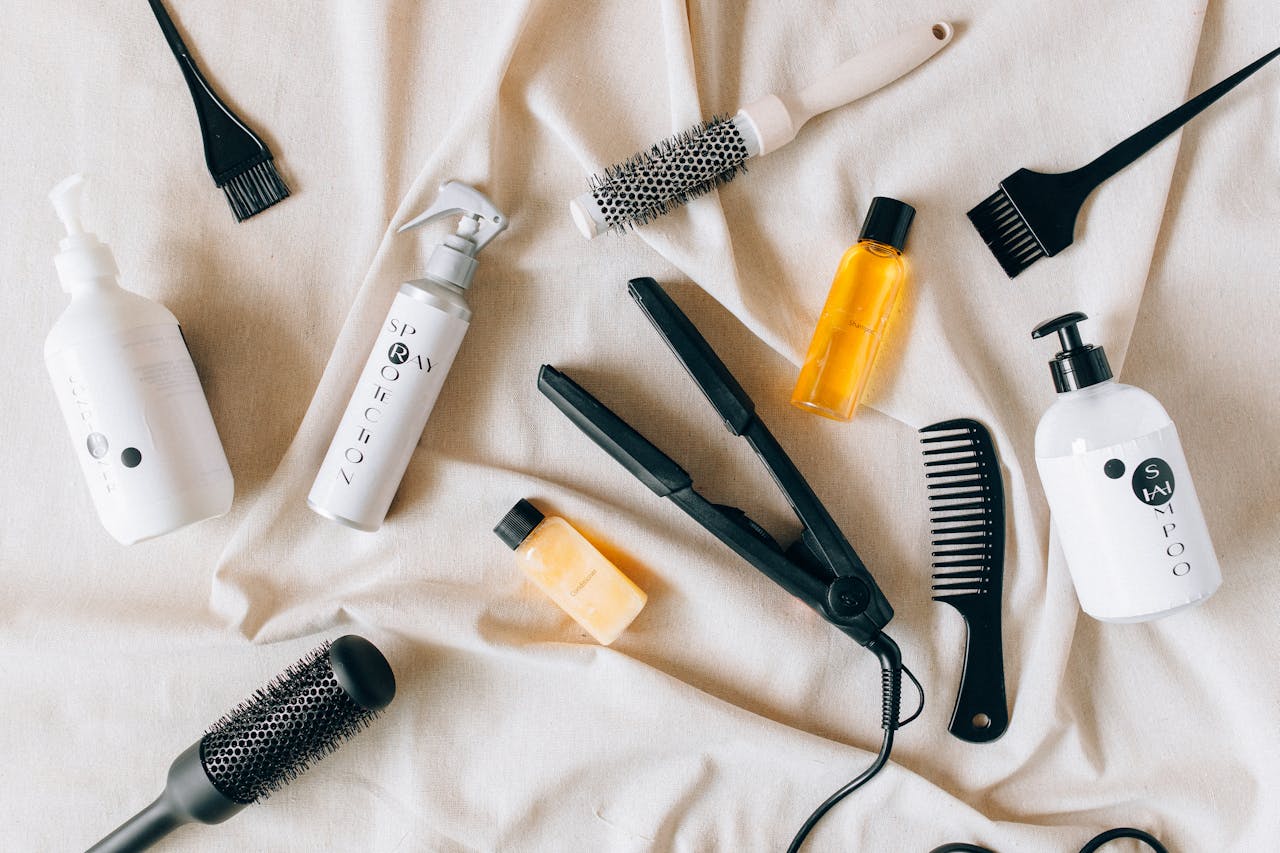
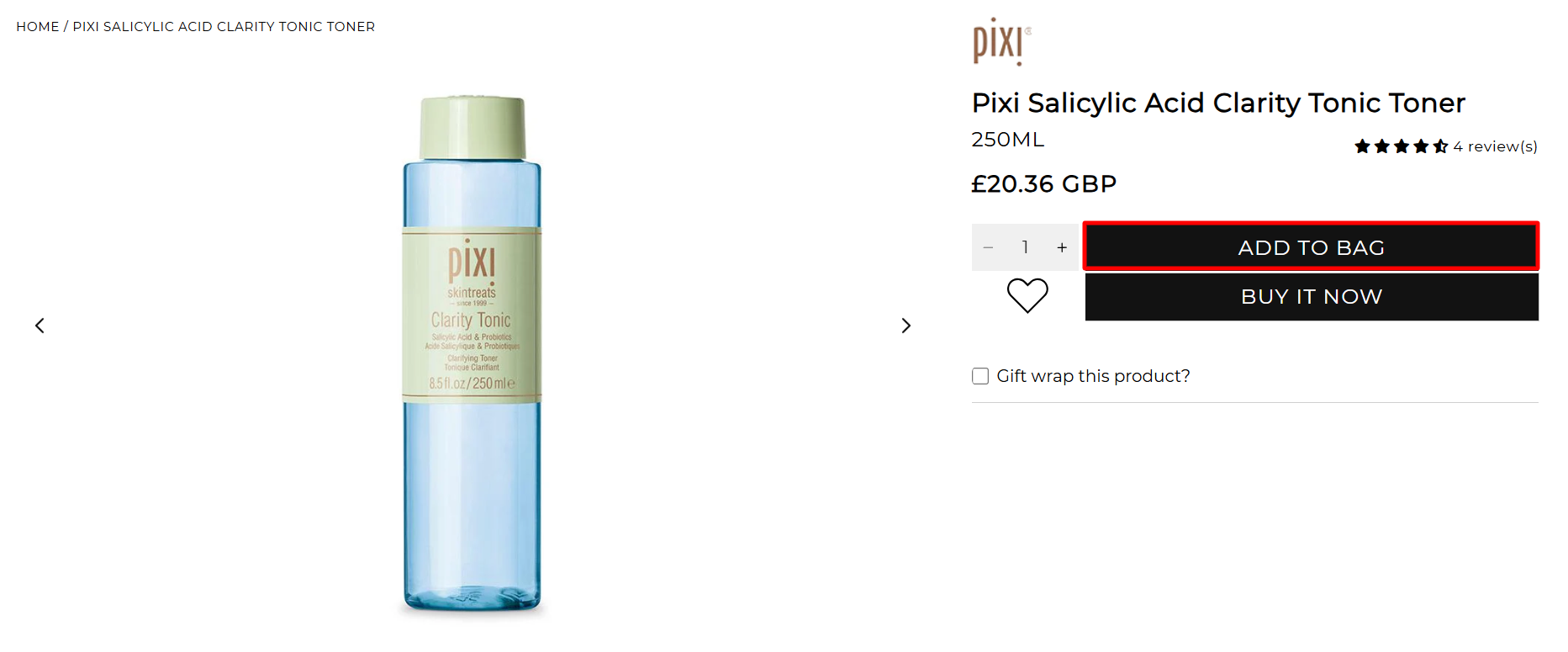
Browse their selection of beauty must-haves and add the items that suit your needs to your bag by selecting the “Add To Bag” button on their respective product description pages. Once you’re ready to check out, select the bag icon in the upper right corner.
4
Step 4: Redeem your discount
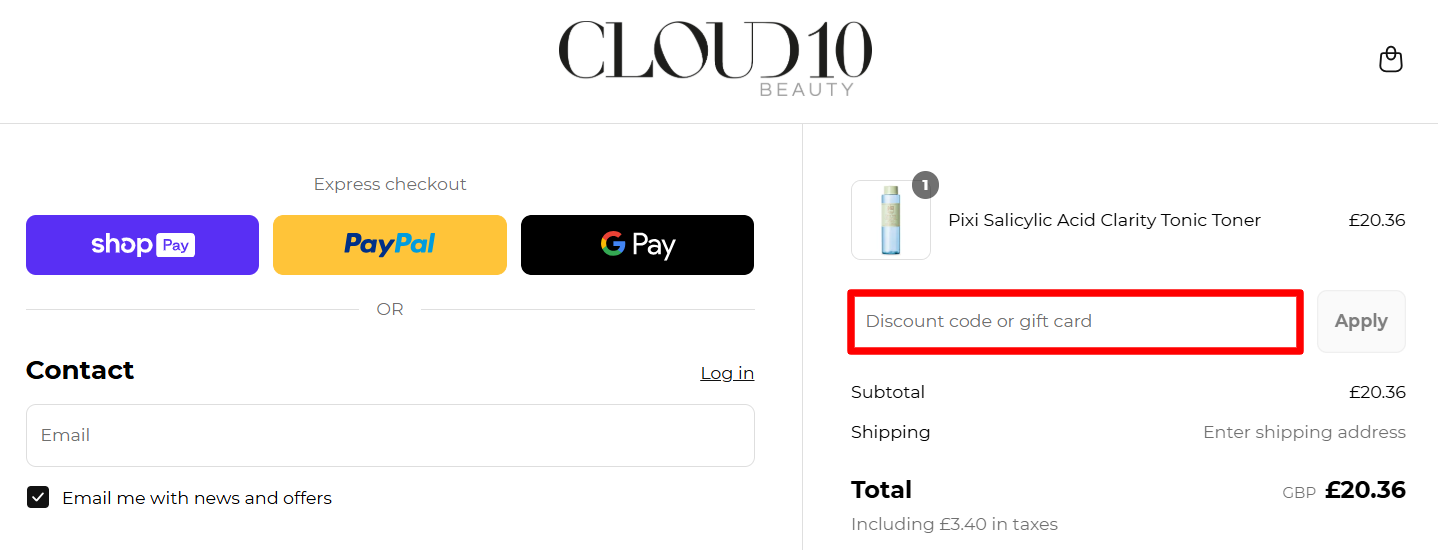
On the checkout page, paste your Cloud 10 Beauty voucher code into the designated field located above the order total, then select the “Apply” button.