1
Step 1: Pick a KAYAK offer
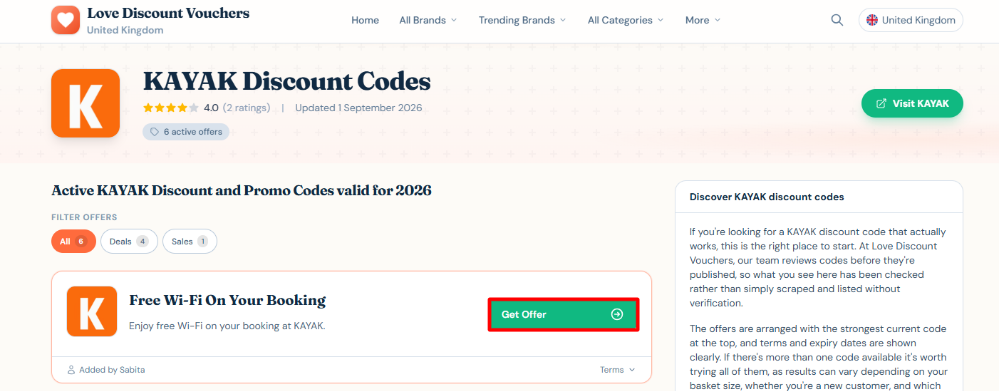
Go ahead and have a look at the different KAYAK offers available and click the “Get Offer” button when you have made your choice. Once you do, a tab with the KAYAK website should open; use this tab to book your trip because the KAYAK discount code will be automatically applied at checkout.
2
Step 2: Start your search
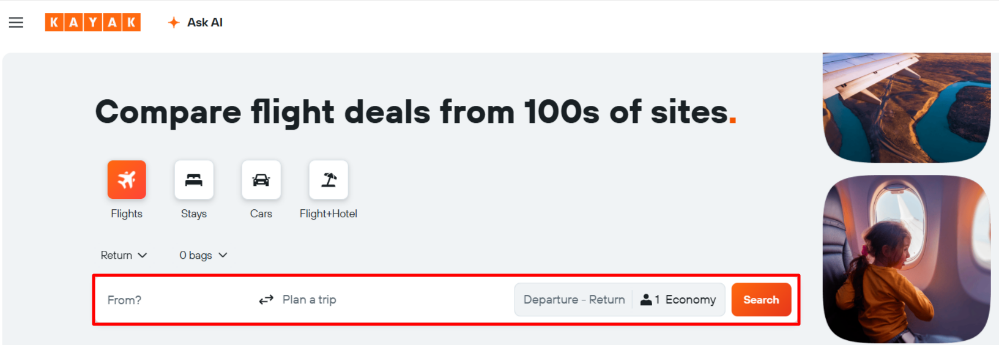
Start by entering your point of origin, destination, number of passengers and any other information needed to get your options.
3
Step 3: Choose your deal
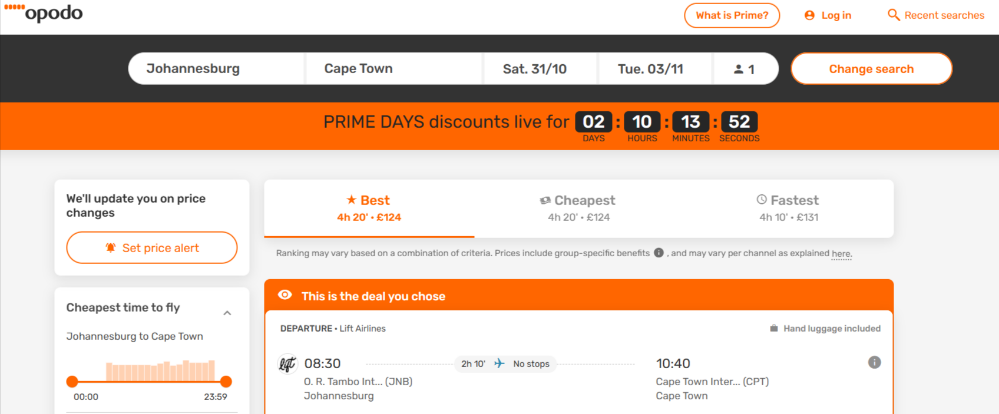
Compare the different options KAYAK has and choose the one that suits you best. Take your time to look at the finer details like the flight times, cancellation policies, hotel amenities and baggage allowances. Remember to pick the deals that match the offer you chose on the Love Discount Vouchers website.
4
Step 4: Make payment
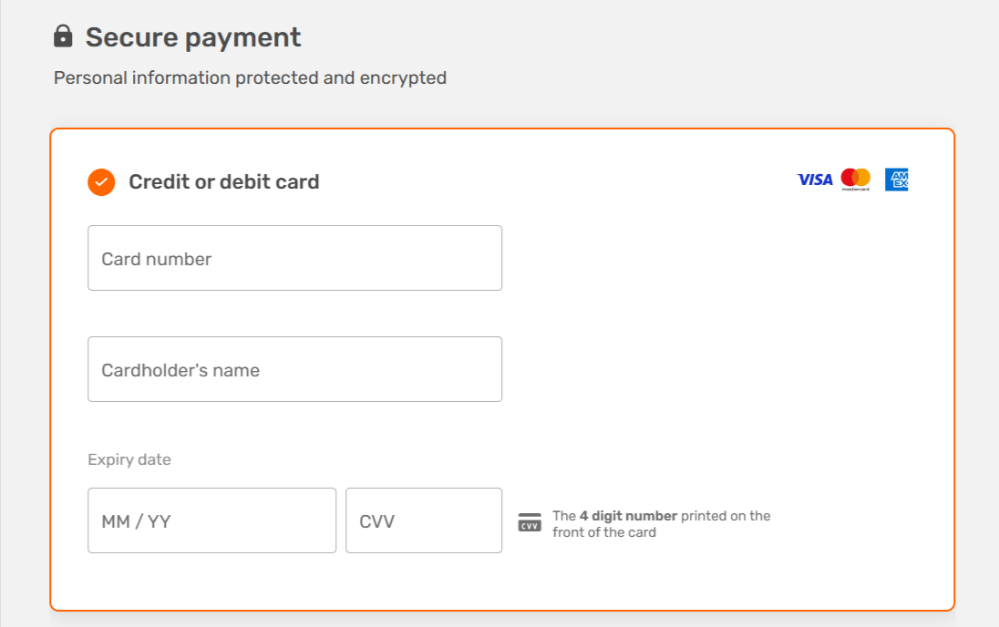
Since the KAYAK discount code from the offer is already applied, you can go ahead and enter the passenger details and, lastly, make your payment. After that, all that’s left is for you to pack your bags.