1
Step 1: Choose your ShieldMy Wedding Insurance voucher code
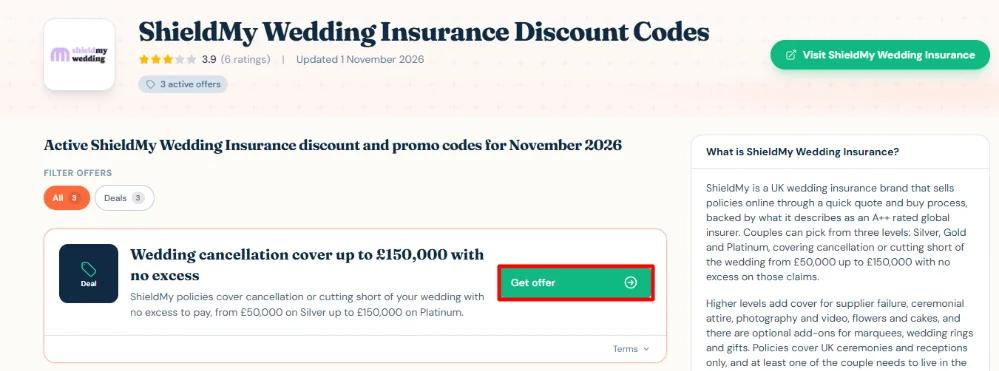
Have a look at the available ShieldMy Wedding Insurance voucher codes and offers above and select the one that you want. Click “Get Offer” to get started.
2
Step 2: Visit the ShieldMy Wedding Insurance website
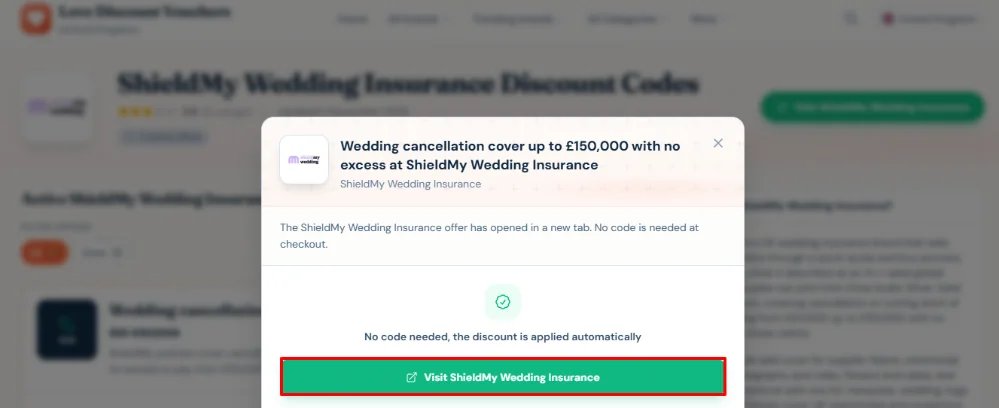
Click “Go to the ShieldMy Wedding Insurance website” to be taken directly to their website.
3
Step 3: Get your quote

Click the “Get quote” button to start exploring the available silver, gold and platinum policies. Compare the cover options and select the one that suits your wedding plans.
4
Step 4: Fill out your form
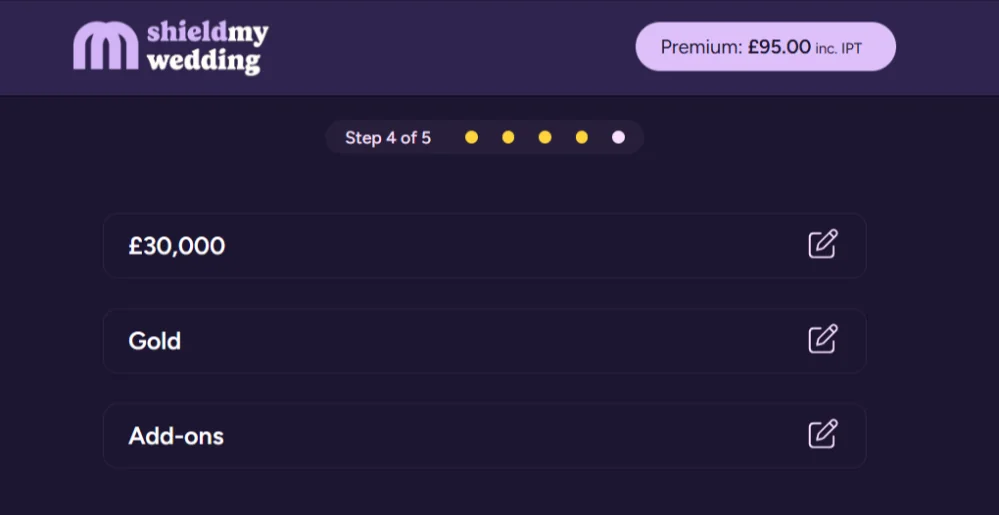
Enter the required wedding and personal details to receive your quote. This is the part of the process where you choose any other add-ons like pre-payments, guests’ personal liability, wedding rings, and wedding gifts.
5
Step 5: Complete your purchase
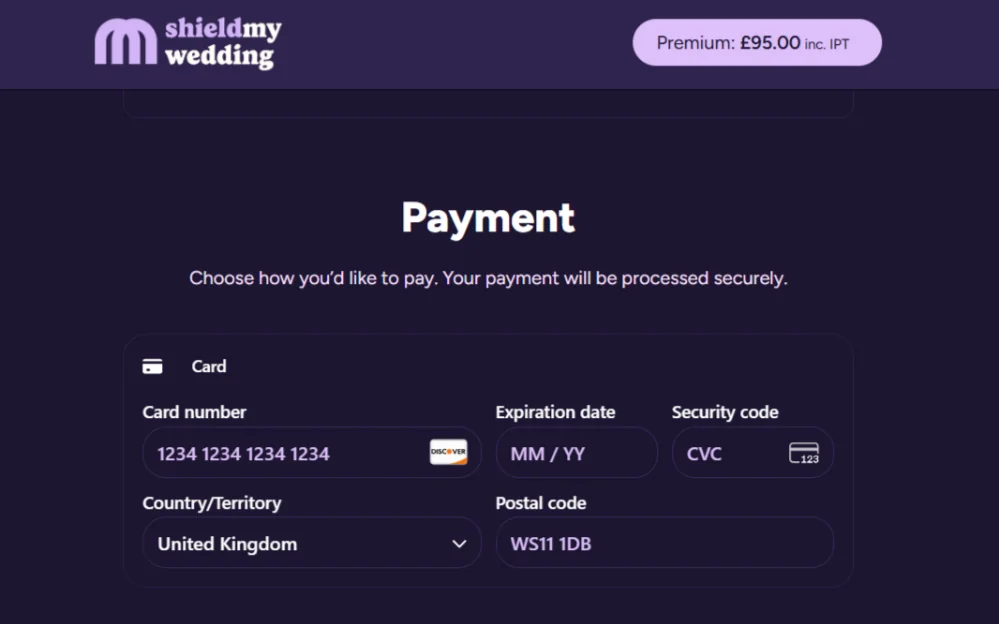
First, check that your ShieldMy Wedding Insurance policy savngs have been applied to your policy. After that, review your cover, read the policy terms and conditions, and then make your payment to arrange your insurance.